
Disclosure: This post contains an affiliate link. If you purchase through it, we may earn a small commission at no extra cost to you. We only recommend tools we believe can genuinely help our readers.
If you have ever tried to make an explainer video, you already know the pain. You either spend weeks learning complicated animation software, or you pay a freelancer hundreds of dollars and hope the final result matches what was in your head. For years, this has been the biggest bottleneck for small business owners, teachers, YouTubers, and marketers who know that video content converts, but simply don’t have the time, budget, or technical skill to produce it.
That is exactly the gap that InstaDoodle tries to fill. It is a cloud-based, AI-powered doodle and whiteboard video maker that lets anyone create professional-looking explainer videos using simple text prompts. In this article, we will walk through what InstaDoodle actually does, who it is built for, its main features, pricing, and whether it is worth adding to your content toolkit.
What Is InstaDoodle?
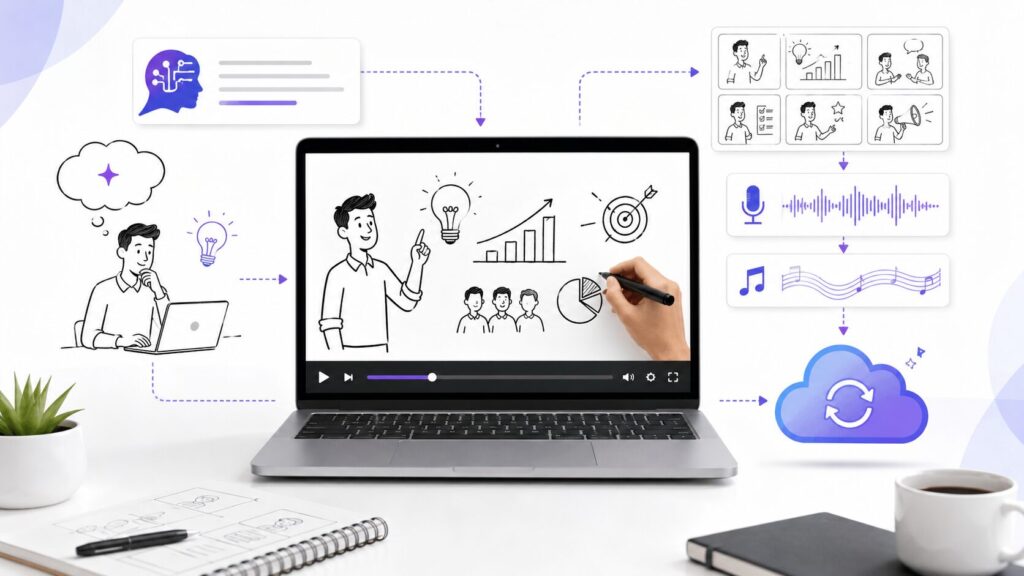
InstaDoodle is a browser-based video creation tool built around a technology the company calls the DoodleAI Engine. Instead of manually dragging characters, props, and backgrounds onto a timeline for hours, you simply type a description of what you want to see, and the AI generates a matching doodle-style character or scene element for you. You then arrange these elements into slides, add narration or background music, and render the finished video in the cloud.
The end result looks like the whiteboard-style explainer videos you have probably seen on YouTube, in online courses, or in product demo ads — the kind of hand-drawn animation that visually explains an idea while a hand appears to be sketching it in real time.
Because everything happens in the cloud, there is nothing to install. It works equally well on Windows, Mac, or even a lower-powered laptop, since your computer is never doing the heavy rendering work.
Who Is InstaDoodle Actually For?
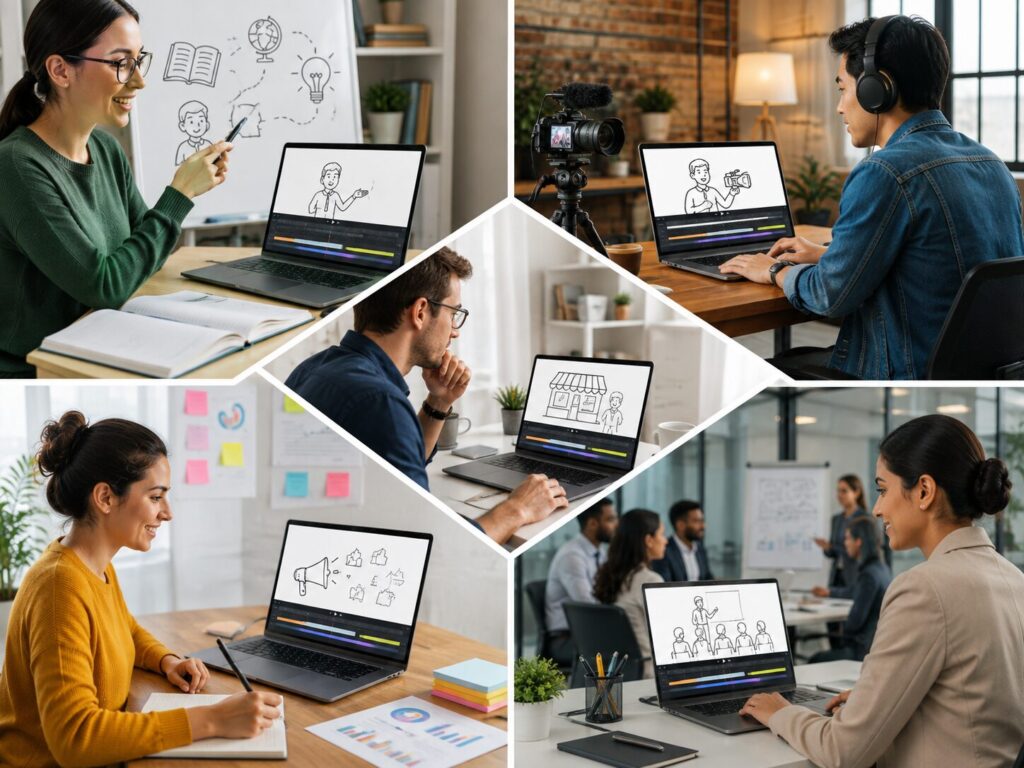
Based on how the tool is built, InstaDoodle tends to work best for:
- Online educators and course creators who need to simplify complex topics into visual, easy-to-follow lessons.
- Affiliate marketers and content creators who want engaging product review or promotional videos without hiring an animator.
- Small business owners who need an explainer video for a landing page but don’t have a marketing budget for outsourced production.
- Corporate trainers producing onboarding or internal training material.
- Podcasters and YouTubers who want short, animated clips to boost engagement on social platforms.
If your content strategy leans heavily on video — especially for platforms like YouTube, Instagram, Facebook, or TikTok — a tool like this can meaningfully cut down your production time.
Key Features Worth Knowing About
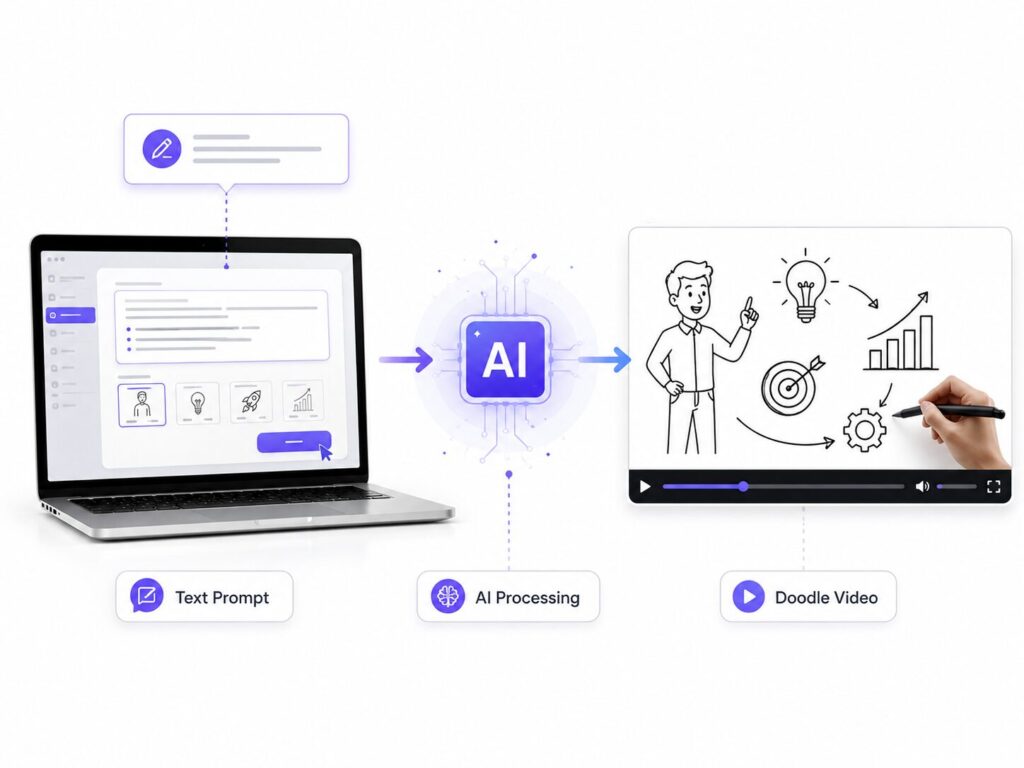
1. Text-to-Doodle AI Generation
This is the core selling point. Instead of hunting through a stock library for the “right” character or prop, you describe what you need in plain text, and the AI generates a doodle-style illustration to match. This alone can save hours per project.
2. Large Built-In Asset Library
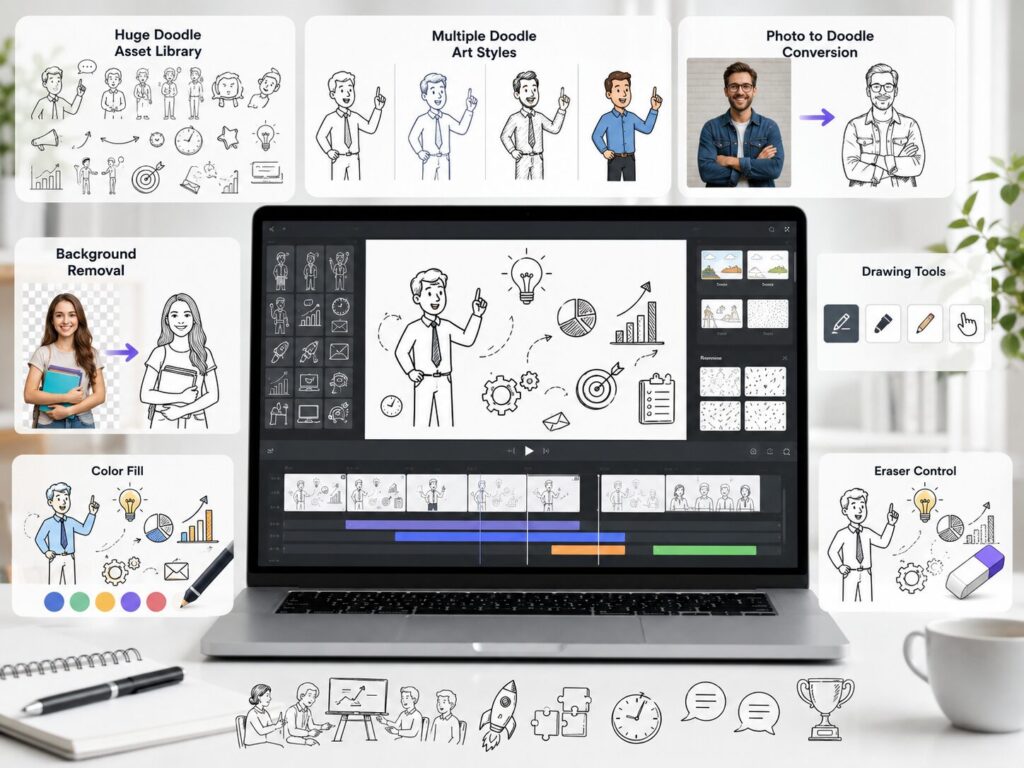
InstaDoodle ships with over 1,000 pre-made doodle characters, props, and scene elements, along with more than a dozen ready-to-use project templates, so you are never starting from a completely blank canvas.
3. Multiple AI Art Styles
You are not limited to a single black-and-white sketch look. The platform supports several styles, including caricature, cartoon, and more realistic doodle rendering, plus a newer full-color mode for creators who want a more vibrant finished product.
4. Photo-to-Doodle Conversion
You can upload your own photos or logos and have the AI transform them into a matching doodle illustration — useful for branding your videos or personalizing a character to look like you or your product.
5. Built-In Image Editor
A simple editor with background removal, free draw, color fill, and an eraser tool is included, so small touch-ups don’t require switching to a separate design app.
6. Voiceover and Music Support
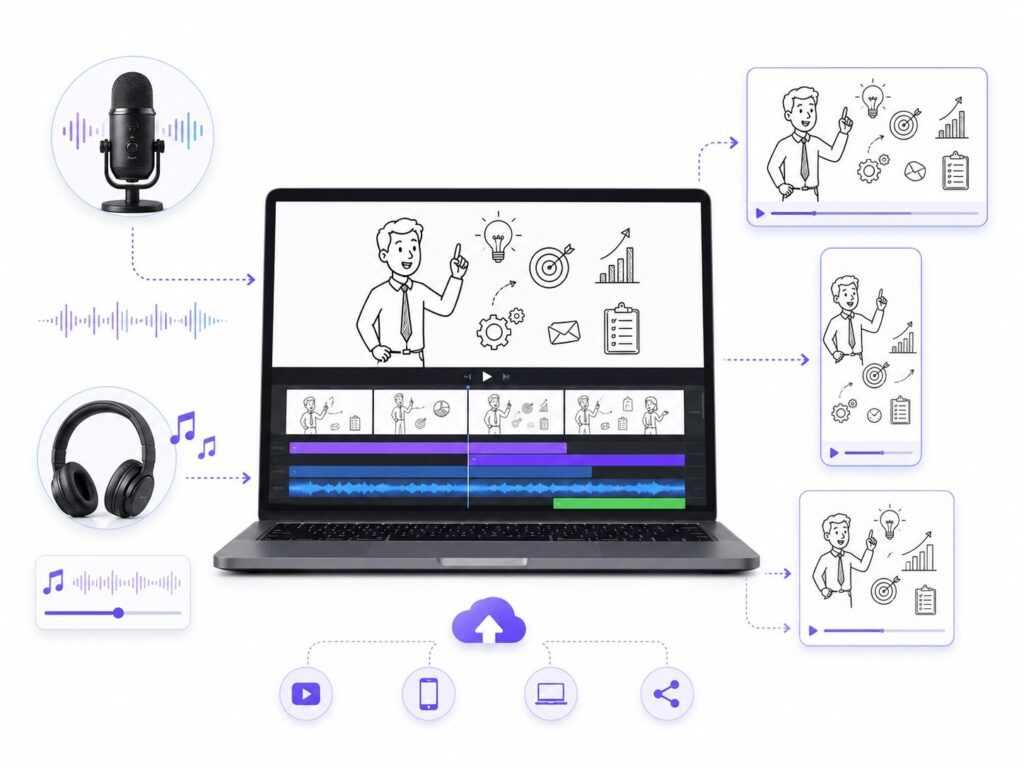
You can record or upload your own narration and layer background music directly inside the editor, with audio automatically synced to your slides.
7. Multiple Aspect Ratios
Since attention is split across platforms today, InstaDoodle supports different export ratios — widescreen for YouTube, vertical for Reels and Stories, and square for feed posts.
8. Cloud Rendering
All rendering happens on InstaDoodle’s servers, not your device. That means no waiting for your laptop fan to spin up, and no need for expensive hardware.
How InstaDoodle Works, Step by Step
Getting started with InstaDoodle typically follows a simple workflow:
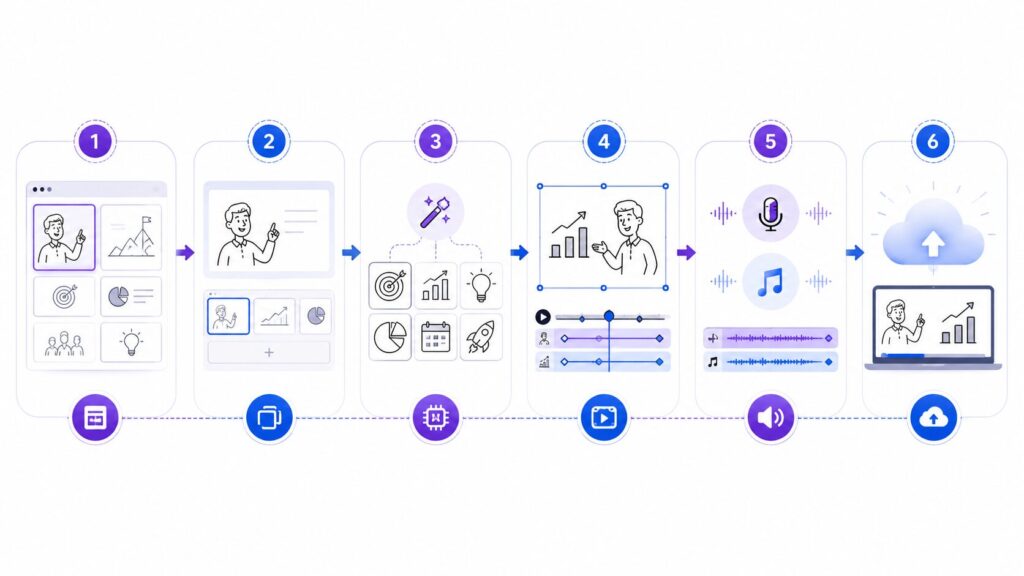
- Pick a template or start blank. Choose from the built-in project templates or start with an empty canvas.
- Add your slides. Break your script or idea into a handful of visual “beats,” one per slide.
- Generate or select doodle elements. Type a prompt for the DoodleAI Engine, or pull a character or prop straight from the library.
- Customize the scene. Adjust animation type (draw, wipe, slide, fade, or pop-in), pick a background, and fine-tune transitions between slides.
- Add narration and music. Upload your own voice recording or use the optional AI voice add-on, then layer in background music.
- Render in the cloud. Hit render, and InstaDoodle processes the final 1080p video on its servers while you do something else.
The whole process is designed so that someone with zero animation or editing background can produce a polished video in an afternoon rather than a week.
Pricing: What Does InstaDoodle Cost?
InstaDoodle is sold through ClickBank as a one-time lifetime license rather than a recurring subscription, which is worth noting since most competing video tools charge monthly fees that add up quickly over a year.
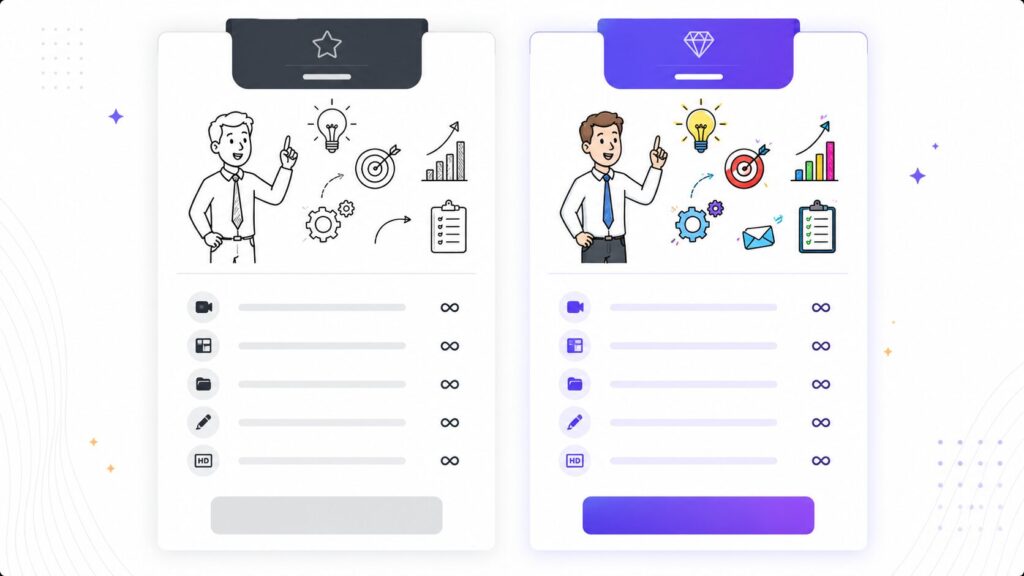
There are generally two tiers available:
- Standard plan — includes unlimited video creation, the drag-and-drop editor, 1,000+ doodle elements, multiple animation types, project templates, and 1080p rendering.
- Color plan — everything in the standard plan, plus the ability to generate full-color doodle elements instead of the classic black-and-white sketch style.
Both plans come with a 60-day money-back guarantee, so you can test the tool on a real project before deciding if it fits your workflow long-term. An optional multilingual AI voice add-on is also available at checkout if you’d rather not record your own narration.
You can check current pricing and any active discounts directly here: Get InstaDoodle
Pros and Cons
What we like:
- No software installation or steep learning curve
- AI text-to-doodle generation genuinely speeds up production
- One-time payment instead of a recurring subscription
- Works across multiple platforms since it’s cloud-based
- Built-in editor removes the need for extra design tools
- 60-day refund window lowers the risk of trying it
Things to consider:
- As with most AI-generation tools, results can occasionally need a second attempt to match exactly what you had in mind
- The doodle/whiteboard style won’t fit every brand — it works best for explainer, educational, or promotional content rather than cinematic storytelling
- Heavier customization (like very specific character poses) may still take some trial and error
Is InstaDoodle Worth It?
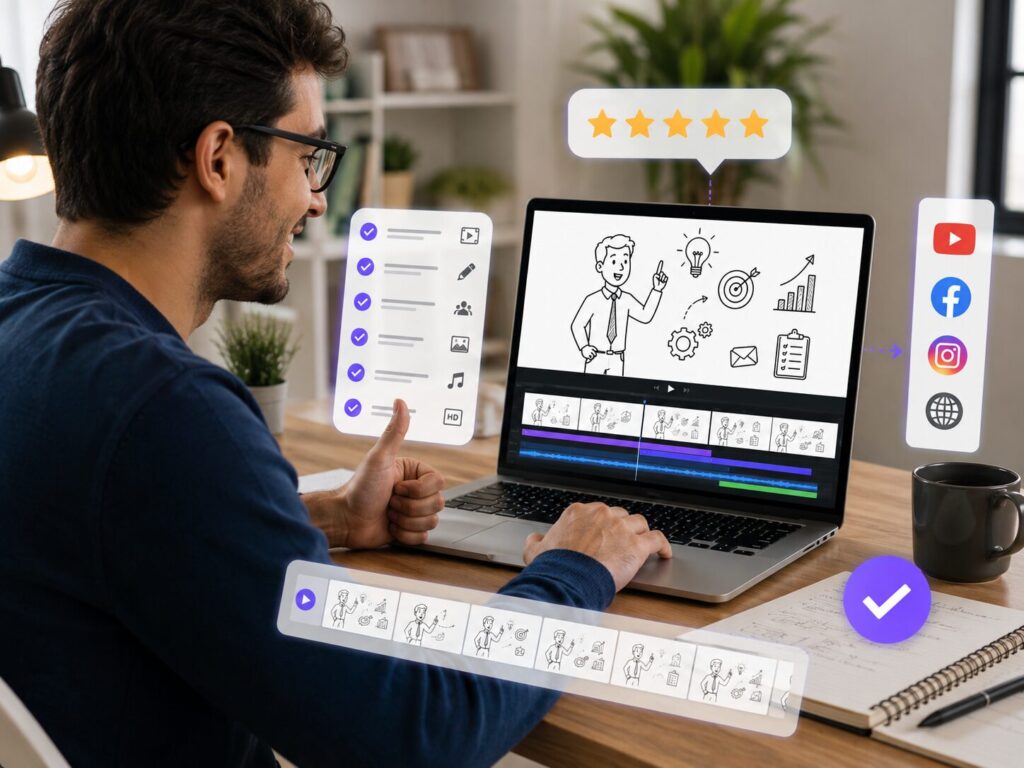
If your content plan includes explainer videos, tutorials, product walkthroughs, or educational content, and you don’t have the budget to hire an animator for every project, InstaDoodle solves a real problem. The AI generation feature in particular removes a lot of the manual searching and dragging that makes traditional whiteboard video tools slow to work with.
It won’t replace a full production studio, and it’s not trying to. But for solo creators, small teams, and marketers who need to consistently publish visual content without a big budget, it’s a practical, low-friction option — especially with a one-time payment model and a money-back guarantee that lets you try it risk-free.
Frequently Asked Questions
Do I need any design or animation experience to use InstaDoodle? No. The drag-and-drop interface and AI generation are built specifically so beginners can produce a finished video without prior editing experience.
Does InstaDoodle work on both Mac and Windows? Yes. Since it’s fully cloud-based, it runs in your browser regardless of operating system.
Can I use my own images or logo? Yes, you can upload your own photos and convert them into matching doodle-style illustrations using the built-in AI image-to-sketch feature.
Is there a free trial? There isn’t a free trial, but purchases are backed by a 60-day money-back guarantee, which functions as a practical risk-free trial period.
What video formats can I export? InstaDoodle supports multiple aspect ratios, including widescreen, vertical, and square, so you can export the same project for different platforms.
Final Thoughts
Video is no longer optional for anyone trying to grow an audience or explain a product clearly — but not everyone has the time or budget to produce it the traditional way. InstaDoodle’s biggest strength is how much friction it removes from that process. If you’ve been putting off making explainer videos simply because the tools felt too complicated or too expensive, this is worth a closer look.
👉 Check out InstaDoodle’s current pricing and lifetime deal here